Kerio Connect Client is the central hub for your communications. Below is a detailed description of its core sections.
1. Email & Correspondence Management
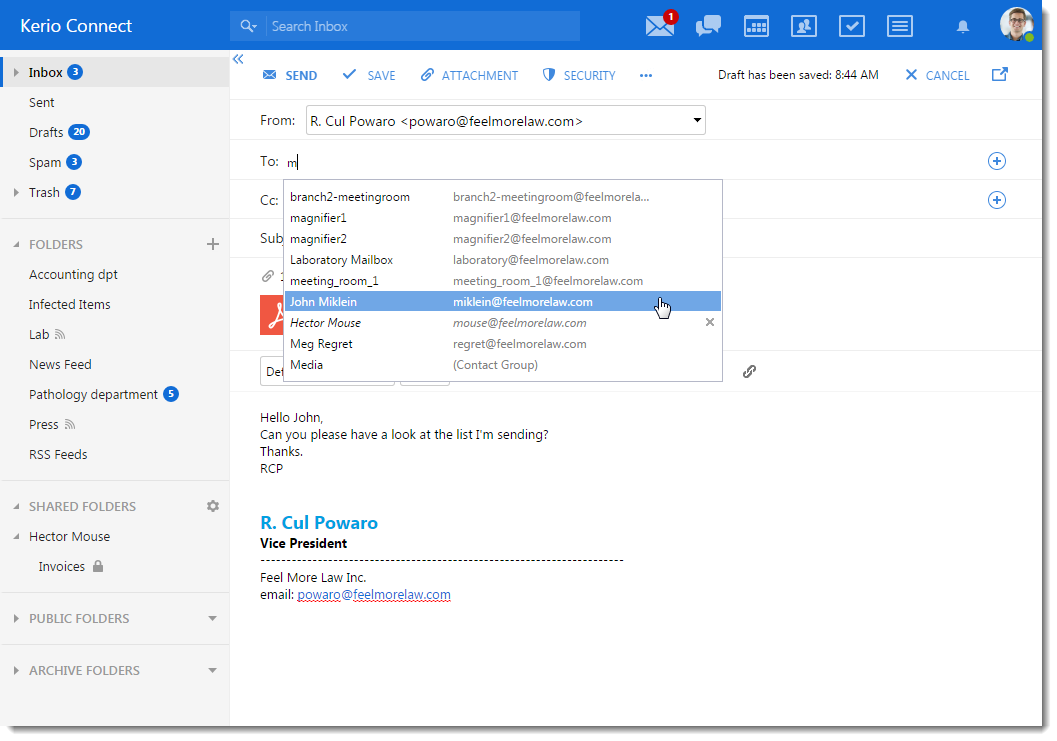
Manage your messages with advanced organization tools. Create folders, set sorting rules, and handle spam instantly.
2. Calendars & Synchronization
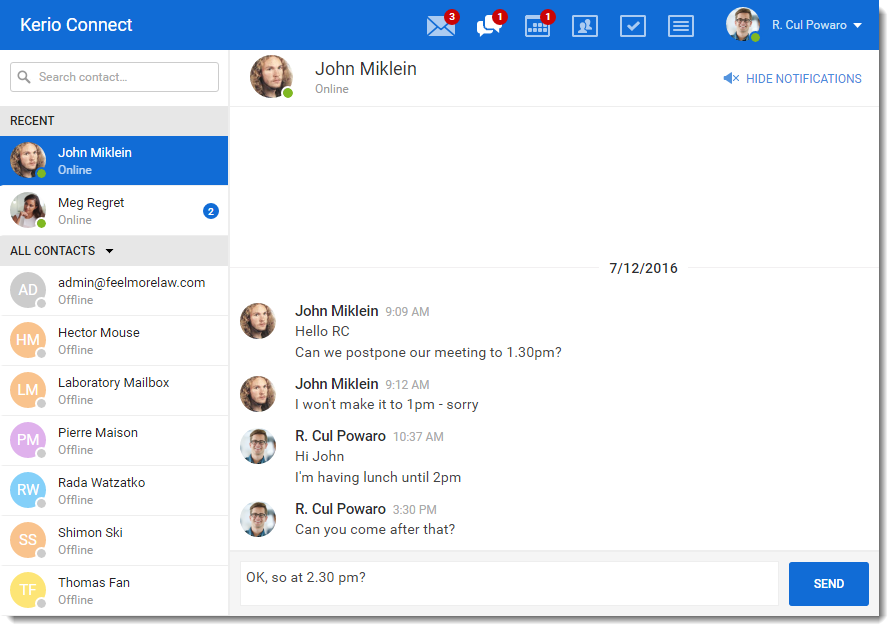
Schedule meetings, share your calendar with colleagues, and view coworker availability in real time.
3. Contacts & Global Directory
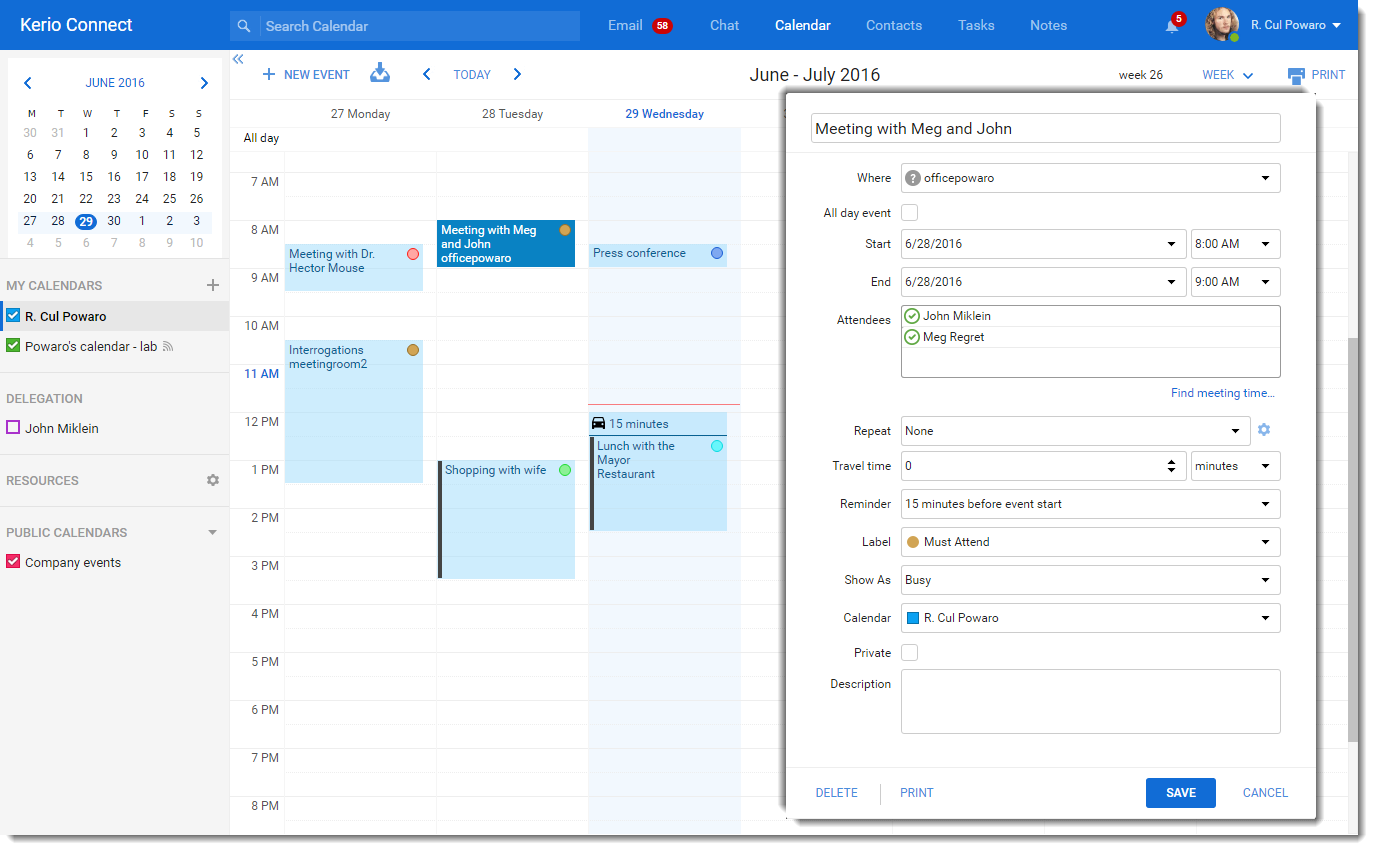
Access your personal contacts and the corporate Global Address List (GAL). Organize contacts into groups for easier management.
4. TeamChat & Instant Messaging
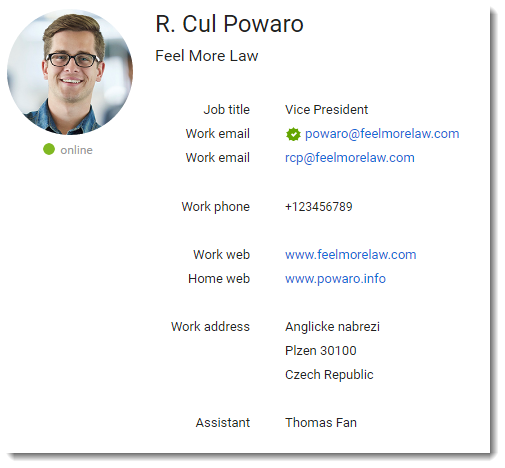
Chat with colleagues without leaving the email environment. Exchange files and create chat rooms for every project.
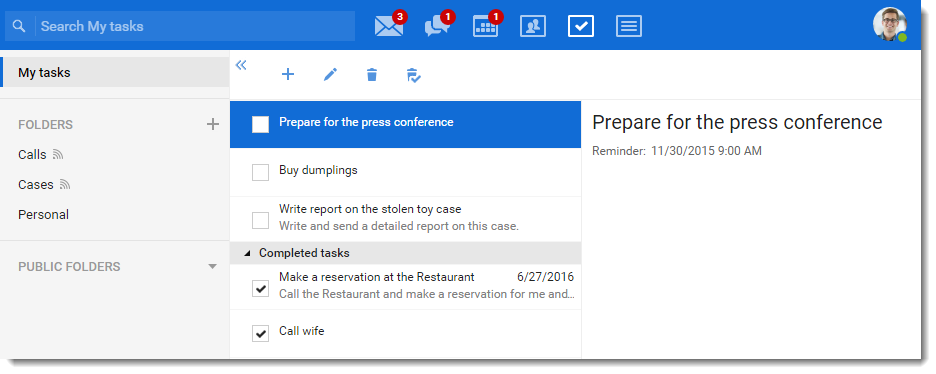
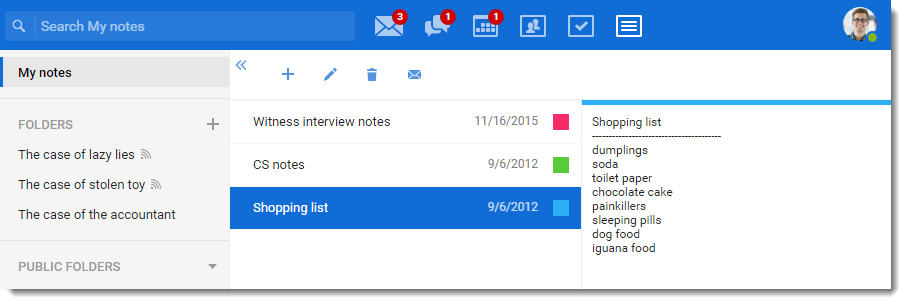
5. Tasks and Notes
Track your to-do lists with the Tasks tool and keep important information in Notes, all synced with your mobile devices.
6. Personal Settings & Security
Configure auto-replies, signatures, and change your password through a simple and intuitive settings menu.
Support Tip
You can also download the Desktop app for Windows and Mac to receive desktop notifications without having your browser open.